There’s been a lot of discussion online about the downsides of smartphones. A device that can do anything and fits in the palm of your hand has now become a shackle that goes in your pocket. Much has been said about replacing smartphones with dumbphones, and while the idea might be nice, it’s not entirely practical.
For starters, even if you don’t need all the “smart” functions of a phone all the time, they can be essential when the need arises. Furthermore, the dumbphone trend has created a booming market of minimalist phones that can cost a few hundred dollars on their own. Not to mention the fact that many of them are proprietary designs, meaning accessories are costly or non-existent.
That all said, I have been working hard in the last couple months to reduce my phone screen time. A quick peek at Twitter or Instagram has often led to a long doomscrolling session that almost always makes me feel worse after the fact. There are many ways to go about cutting down screen time, but my goal here is to share ones that were the most effective and didn’t cost a bunch of money.
Remove Social Media Apps from the Home Screen
Let’s start with the simple tips. To suggest just deleting social media apps would be easy but disingenuous because too many connections would be lost. Not to mention that some of these apps have functional uses in people’s lives, and simply cutting them out wouldn’t be practical.
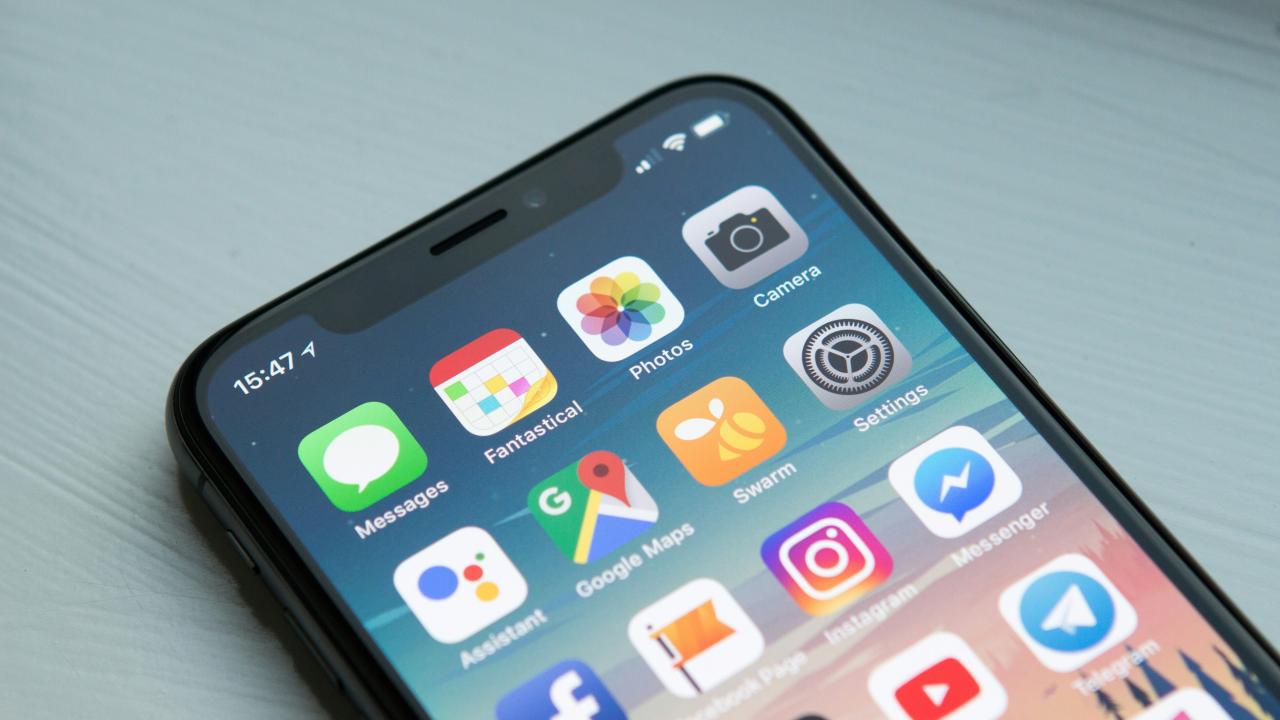
So the most basic thing you can do is to remove social media apps from your home screen. This adds friction between picking up your phone and opening the app. Speaking from personal experience, having the apps on the home screen meant that there was little thought when tapping on them. Removing them meant it took more time to get into the feed, and that time is often enough for me to question if I actually want to open the app in the first place.
BONUS: If you have an iPhone, swiping down on the home screen opens a Siri Suggestions box that makes frequently used apps easy to access. These are often social media apps and, just like having it on the home screen, it makes it too convenient to open without much thought. Removing these recommendations in the Settings app (under Apple Intelligence & Siri > Suggestions) will make you more intentional with your screen time and less likely to be sidetracked.
Put Some Distance Between You and Your Phone
Speaking of friction, one simple tactic to reduce screen time is to put your phone further away, especially when you work. This is a popular tip on most productivity podcasts and from self-help authors, but it is one that works because it’s quite literal. You’re less likely to use your phone if it’s across the room and not right in front of you.
To keep this tip practical, I would suggest turning on alerts for important contacts so you can also have the peace of mind that there’s no emergency you’re ignoring. Once again, the goal is to limit screen time, not negate the function or convenience of the device you likely spent hundreds of dollars on.
Use a Black and White Filter to Reduce Stimulation
Social media companies spend millions of dollars in research to engineer apps that keep the users engaged as long as possible. Over the years, with the popularity of TikTok, the endless scrolling algorithm has been polished and tuned to make it effortless to lose hours of your life. One thing I’ve found to negate some of that stimulation is by using a greyscale filter.
Most modern smartphones have this feature in the accessibility settings. And this doesn’t mean you have to use your phone in black and white all the time, by the way. iPhone users, for example, can create a shortcut to make this super easy. Simply create a shortcut in the Shortcuts app that toggles color filters. From there, you can add the shortcut ot the home screen or widget drawer or, if you have a newer iPhone, even assign it to the action button.
BONUS: The new iPhones have a Back Tap shortcuts function. You can find this in the Settings app too (Accessibility> Touch > Back Tap). These can be customized to do anything from opening an app, changing focus modes, or triggering a shortcut.
Set Screen Time Limits for the Big Apps
This is one my wife finds pretty effective. Most modern smartphones have the function to limit a given app’s screen time. (Once again found in the Settings app) Find the sweet spot for you or set yourself a goal as you work to reduce your screen time. Unless you are using an external app that is stricter about it, a big factor in this method is your own personal self-control. You have to be honest with yourself and exit the app when the alert that you’ve hit your screen time limit pops up.
Give Something Your Full Attention
I found that oftentimes, doomscrolling was a result of two factors. The first was when I was multitasking, and the second was when I just needed something to stare at in between other plans or events. To address the first one first, the best thing I’ve done is follow a “no phone” rule in the house when I’m watching TV. It doesn’t have to be watching something either. Be it during mealtime or when you’re completing a puzzle, find an activity/time that you can give your full attention to.
As for the second point, I think reading is a great way to both kill time and give your eyes something to stare at. This doesn’t mean you have to be a “reader” and carry a tote bag with a few paperbacks in it. I often like to read articles from sites I like (Respawn Station) or reviews for games/movies I’m excited for. If you do want to read books, there are plenty of short stories on the internet to read through to get into the habit of reading.
Much like the dumbphone, another big online tech trend is the small e-ink ereader that every booktuber had to get their hands on. These ereaders are compact and easy to pocket or even stick to the back of your phone. My thoughts on these are the same as the dumbphone. You can buy them if you have the spare income, but they aren’t necessary. Personally, I already have a 6-inch ereader that serves me fine for longer trips, but most of the time, the Kindle app on my phone serves the same function without any extra weight.
Play Video Games and Feel Better
This tip should be no surprise coming from a gaming website, but it’s no less true. Spending an hour or two scrolling through depressing headlines or memes that offer momentary reprieve ultimately leaves you more drained as a result. Spending that time on a good video game is not only more entertaining but also better for your brain. There are several studies that point to the positive impacts of gaming (in moderation), and finishing a game also leaves you feeling satisfied.
Of course, not everyone has the time or money to play video games on a console, and that’s fair. However, I have some alternatives. There are a lot of games available on your phone already, and as smartphones get more powerful, a lot of console games have made the leap to mobile.
However, you cannot ignore the emulation market. Some people prefer to spend $50 to $100 on a dedicated emulation handheld, and while they can be fun in their own way, you don’t need any of that. There are free emulators on both the Apple App Store and Google Play Store. For reasons, I can’t explain here how to do it, but loading these apps with ROMs is a fairly simple process and without much effort, hundreds of amazing and bite-sized games are at your fingertips.
Find the Trigger for Your Doomscroll
This last tip is undoubtedly the hardest because it requires introspection. Speaking from personal experience, it’s worth taking the time to understand the situations when you begin to doomscroll. As I said earlier, for me, the reason turned out to be times when I didn’t have anything else to do, and I wanted something in front of my face. Things like having a book (comic book, audiobook, etc.) or sketchpad within arm’s reach have made a big difference to my overall screen time. Find yours, and it’ll make the rest a lot easier to implement.
At the end of the day, how effective these tips are for you will hinge on how serious you are about going through with it. If reducing your screen time is something you really want to do, then you owe it to yourself to stay true to that objective. No matter how hard it is. No matter how tempting a few more shorts might sound. I know, because I’ve been there. I’ve tried all of these tips over the last year, and I really do think they work. I’m not perfect and my screen time isn’t zero, but they have helped me take some time back for myself, and I hope they do the same for you.
